 listicle
5 Alternatives to Expensive Digital Transformation Software
Table of Contents
- Quick Comparison: Affordable Digital Transformation Software
- Kissflow: Unified Workflow Automation Without Enterprise Bloat
- Odoo: Open-Source Flexibility for Growing Businesses
- Quixy: No-Code App Building for Non-Technical Teams
- Tadabase: Database-Driven Apps for Complex Data Needs
- Appian: Low-Code Automation Tools for Business at Scale
- Business Process Automation Best Practices for Cost-Conscious Teams
- When to Hire a Website Automation Consultant
- Frequently Asked Questions
Last Updated: September 23, 2026
Quick Comparison: Affordable Digital Transformation Software
The search for alternatives to expensive digital transformation software usually starts with a quote that makes you wince. Enterprise suites routinely lock small and mid-sized teams into annual contracts that cost more than a junior hire, and most of that spend goes toward features you'll never switch on. This guide from Elevated Digital cuts through the noise: we compare five platforms that deliver real workflow automation, low-code development, and business intelligence without the enterprise price tag.
Here's the pattern worth knowing before you read on. The platforms below fall into two camps: subscription tools that charge per user, and open-source systems where you pay for hosting and setup instead of licences. Neither is automatically cheaper. The deciding factor is how much internal time you can commit to configuration.
| Platform | Pricing Model | Free Tier | Best For | Main Trade-Off |
|---|---|---|---|---|
| Kissflow | Subscription | No | Mid-sized process digitization | Higher entry cost |
| Odoo | Subscription | Yes | Modular business suites | Needs technical setup |
| Quixy | Subscription | No | Non-technical teams | Limited deep customization |
| Tadabase | Subscription | No | Complex data structures | Steeper learning curve |
| Appian | Subscription | No | Large-scale orchestration | Costs grow with features |

For a broader view of what digitization actually involves, Canada's Digital Charter Implementation guidance outlines the compliance backdrop most organizations now plan around.
Kissflow: Unified Workflow Automation Without Enterprise Bloat
Kissflow is a unified digital workplace platform that combines workflow automation, case management, and project management in one place. It replaces the tangle of separate enterprise tools that most teams accumulate over time.
The no-code visual interface lets you build custom business applications without writing code, and the automated workflow engine routes tasks and approvals on its own. Integration with Slack, Microsoft Teams, and Google Workspace means it slots into tools your staff already use.
Best for: Mid-sized organizations digitizing manual processes without heavy coding. Pros: Rapid deployment compared to traditional ERP systems; a user-friendly interface that cuts staff training time. Cons: The entry price point runs higher than some smaller businesses expect.
Registration is quoted at a subscription rate, so it suits teams with a real budget and a real process problem.
Odoo: Open-Source Flexibility for Growing Businesses
Odoo is an open-source suite of integrated business applications covering CRM, e-commerce, accounting, and inventory management. Its modular architecture lets you install only the apps you need, which keeps the initial footprint small.
Full API access supports custom integrations with third-party software, and the web-based platform runs on mobile too.
Quixy: No-Code App Building for Non-Technical Teams
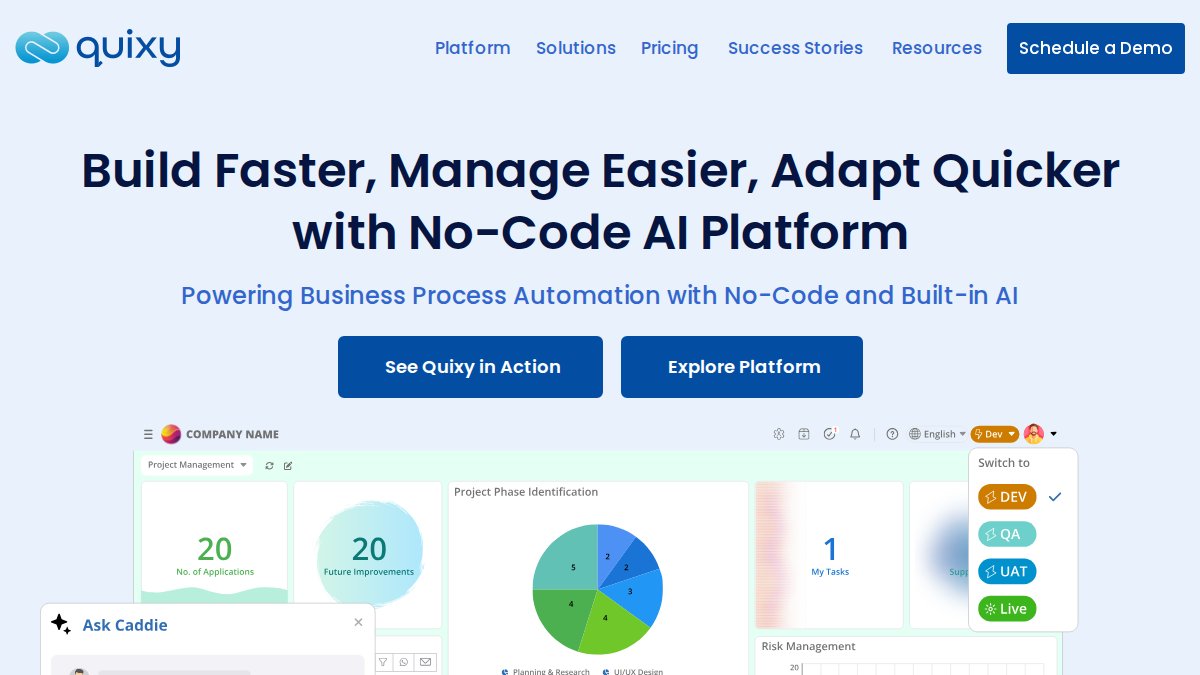
Quixy is a cloud-based, no-code platform that lets users build enterprise-grade applications and automate workflows. The drag-and-drop app builder supports rapid prototyping, and pre-built templates cover common processes in HR and finance.
Tadabase: Database-Driven Apps for Complex Data Needs
Tadabase is a database-driven application builder for creating custom business software without writing code. Built-in database management handles relational data, which is where most no-code tools quietly fall apart.
Appian: Low-Code Automation Tools for Business at Scale
Appian is a low-code automation platform that unifies process automation, data fabric, and AI to simplify operations. It suits large enterprises that need strong security and complex process orchestration.
Business Process Automation Best Practices for Cost-Conscious Teams
Most guides stop at "map the process first." That advice is fine, but it doesn't tell you whether the cheaper platform is actually cheaper. For that, you need a total cost of ownership (TCO) model, and you need it before you sign anything.
Build a three-year TCO, not a first-year licence comparison
A subscription quote is the smallest line in the budget. The lines that decide whether a switch pays off are:
- Licence or subscription fees, per user, per feature, or per workflow, multiplied by realistic seat counts (not the pilot count)
- Implementation and configuration, internal hours plus any vendor or partner onboarding fees
- Integration work, connecting to your existing CRM, accounting, or scheduling systems, including middleware if the platform lacks a native connector
- Data migration, extraction, cleansing, mapping, and validation, which is almost always underestimated
- Training, role-based training for admins and end users, plus the productivity dip during the first month of live use
- Ongoing administration, the internal owner who maintains workflows, permissions, and integrations after go-live
- Exit cost, what it takes to leave, including data export, contract notice periods, and rebuilding workflows elsewhere
A practical sequence that keeps scope contained
- Document each step, who owns it, and how long it takes today
- Remove steps that exist only because of old system limits
- Automate the highest-volume, lowest-judgment task first
- Measure cycle time before and after
- Expand only once the first workflow holds steady
Calculate payback before you commit
A simple ROI check works better than a vendor's case study:
- Annual labour hours saved = (minutes saved per task × tasks per year) ÷ 60
- Loaded hourly cost = salary plus benefits plus overhead, not base salary alone
- Annual benefit = labour hours saved × loaded hourly cost, plus any error-reduction or cycle-time gains you can defend
- Payback period = total first-year cost ÷ annual benefit
Migration and data portability: the question most buyers forget
Before you sign, ask three things in writing:
- Can I export all my data, including attachments and workflow history, in a standard format?
- What is the notice period, and are there early-termination fees?
- Who owns the workflows and forms I build, me, or the vendor?
A platform that can't produce a clean, complete export in a standard format is vendor lock-in wearing a friendly interface. Data portability isn't a technical detail; it's the difference between a negotiable renewal and a captive one.
Open-source and self-hosted options change the math
Subscription SaaS isn't the only category. Open-source and self-hosted platforms shift cost from recurring licence fees to hosting, setup, and internal maintenance. That trade can favour organizations with in-house technical capacity and penalize those without it. The honest comparison isn't "free versus paid", it's "recurring licence versus recurring internal labour." Model both the same way.
When to Hire a Website Automation Consultant
A website automation consultant makes sense when your team lacks the time to configure, integrate, and maintain the platform you've chosen. Most cost overruns on these projects come from internal capacity, not software. The decision isn't "consultant or no consultant", it's which of three delivery models fits your situation.
Three delivery models, honestly compared
| Model | Best when | Main risk |
|---|---|---|
| Internal build | You have a dedicated admin with time and platform familiarity | Stalls when that person changes roles or leaves |
| Vendor or partner onboarding | The platform has a strong implementation partner network | Scope creep and change-order fees |
| Independent consultant | You need cross-platform integration or vendor-neutral selection advice | Requires clear scope and deliverables up front |
Signs it's time to bring in outside help
- Your CRM, marketing tools, and scheduling system don't talk to each other
- You've bought a platform but adoption stalled after the trial
- Compliance or accessibility requirements demand documented, defensible systems
- Your team is already stretched thin and can't absorb another tool
- You're comparing platforms and need vendor-neutral advice rather than a sales demo
What to ask before you engage anyone
- Scope and deliverables, what exactly is handed over, and in what format?
- Platform neutrality, are they paid by a vendor, or free to recommend the cheapest fit?
- Handover plan, will your team be able to maintain the workflows after the engagement ends?
- Documentation, will you receive written configuration notes, not just a working system?
- Exit terms, what happens if the engagement ends early?
The build-versus-buy-versus-hire calculation
Run the same TCO logic you'd apply to the software itself. Compare the fully loaded cost of internal hours against the consultant's engagement fee, and factor in the cost of a failed rollout, abandoned platforms, duplicated data, and re-training. For a single high-volume workflow, internal build often wins. For cross-system integration or compliance-sensitive work, outside help usually pays for itself in avoided rework.
Frequently Asked Questions
Why do 70% of digital transformations fail?
Most transformations fail due to poor planning, lack of executive buy-in, and underestimating change management. When companies rush into expensive digital transformation software without clear goals, they often end up with tools that don't fit their workflows. Starting with smaller, affordable solutions and scaling gradually reduces risk and improves adoption across teams.
How can small businesses implement digital transformation on a budget?
Start by identifying one or two manual processes that cause the most friction. Choose low-code automation tools for business that offer modular pricing, like Odoo or Kissflow, so you only pay for what you use. Many platforms offer free tiers or trials. Focus on quick wins first, then expand as you see measurable returns.
What are the risks of over-investing in complex digital transformation software?
Over-investing often leads to shelfware, where expensive features go unused because teams lack training or the processes don't align. It also creates vendor lock-in, making migration costly and time-consuming. Start with tools that offer API connectivity and data portability so you can switch or scale without losing your data or workflow configurations.
How do you measure the ROI of digital transformation initiatives?
Track time saved on manual tasks, error reduction, and process cycle times before and after implementation. For example, if workflow automation cuts invoice processing from three days to one, calculate the labour hours saved and apply your hourly rate. Also monitor user adoption rates and integration success to ensure the software delivers ongoing value.